35 Architecture Portfolio Builder Websites | Top Picks For 2025
A strong architecture portfolio can win job interviews, attract clients or secure a place in graduate school. The architectural services market is expected to reach $480.8 billion by 2030 and competition keeps growing, so work must grab attention fast.
Here are top platforms for 2025, full website builders, niche showcase hosts and creative networks, helping professionals find the best match for needs, budget and skill level.
1. Wix

Wix is great for building an architecture portfolio. It offers more than 30 architecture-focused design layouts and a drag-and-drop editor that lets you change every part of the site without coding. Powerful image gallery apps help you show projects clearly.
It also includes a large library of layouts, search engine tools to help people find your site, automatic resizing so pages work on phones and tablets, a free plan, paid plans from $16 to $45 per month and a built-in blog for sharing ideas.
2. Squarespace

Squarespace gives simple, elegant themes made to highlight photos and clean design. Uploaded images are optimized and resized automatically so large photos look good on any screen. Built-in analytics and SEO tools help you understand visitors.
You can try it free for 14 days, then choose plans between $16 and $49 per month. Best for architects who want a strong visual look with little upkeep.
3. Format
Format focuses on creative portfolios and includes layouts aimed at architects and designers. It handles high-resolution images well, offers client proofing galleries that can be password protected, and helps keep projects organized.
Extras include an online store for prints or services, custom domain support, and plans from $10 to $25 per month. Good for students and early-career designers who need an affordable, specialist option.
4. Pixpa
Pixpa is an all-in-one website builder for architects and interior designers. You can show your projects, write short project stories, and give clients private galleries protected by passwords. It also supports selling work or services. Students get a 40% discount. Plans run from $7 to $25 per month.
5. Adobe Portfolio
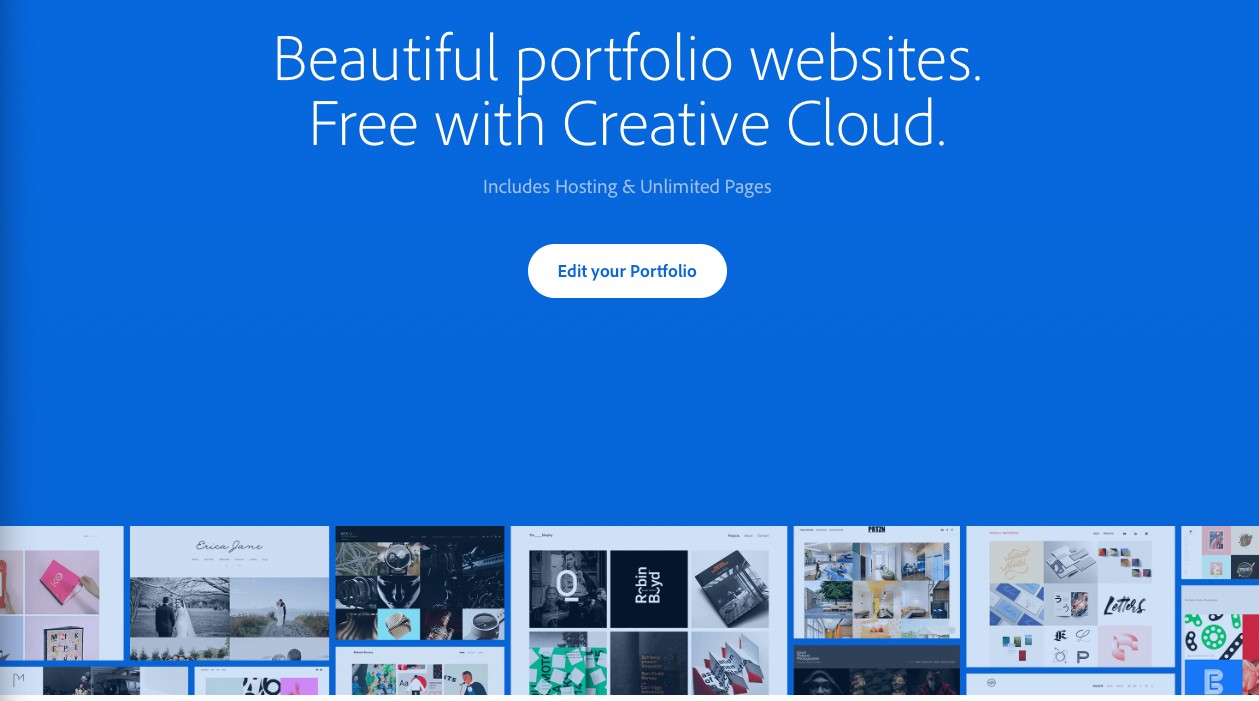
Adobe Portfolio comes with Adobe Creative Cloud and links automatically to your Behance profile. It has clean, responsive layouts, supports a custom domain, and works with Adobe apps you may already use. It is best for architects who already use Creative Cloud.
6. WordPress.com
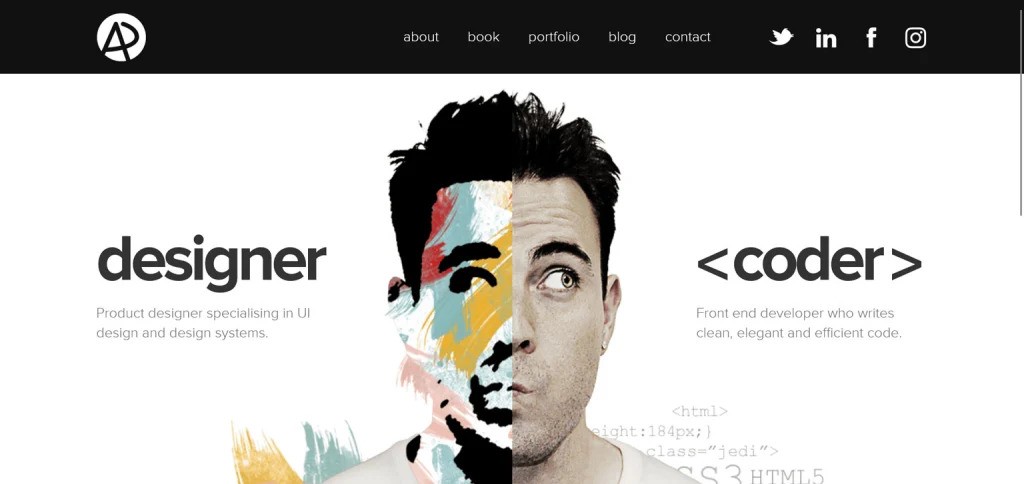
WordPress.com gives the most control with thousands of themes and plugins. It takes more setup and technical skill than drag-and-drop tools, but it scales as your practice grows and has strong SEO. There is a free plan and paid plans from $4 to $45 per month, making it a good choice for tech-savvy architects.
7. Webflow
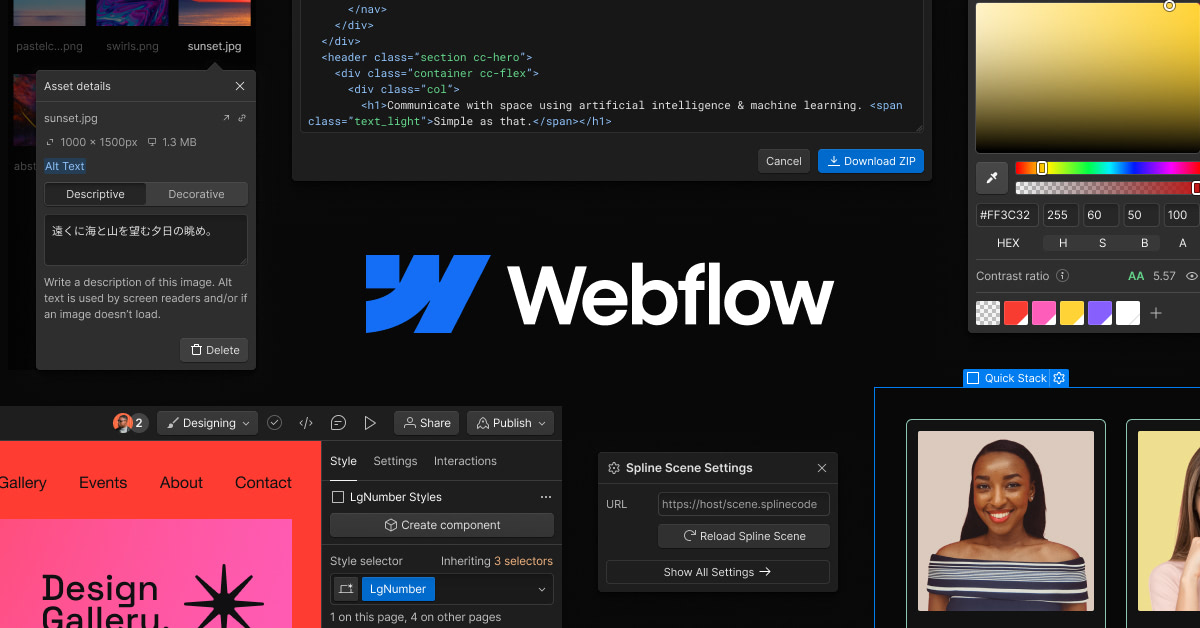
Webflow brings design and code together so you can build polished sites without writing much code. You can create highly customized architecture portfolios that look professional.
It includes a visual CSS editor for exact layout control, a content management systemfor many projects, and tools for interactions and animations. Pages load quickly. Pricing runs from $14 to $39 per month.
8. Behance
Behance is a portfolio site and creative community with millions of visitors. You can upload unlimited projects for free, connect with other creatives and link your work to Adobe Portfolio. Recruiters and clients often browse the site, which helps attract opportunities. Best for architects looking for wide exposure and industry contacts.
9. Cargo
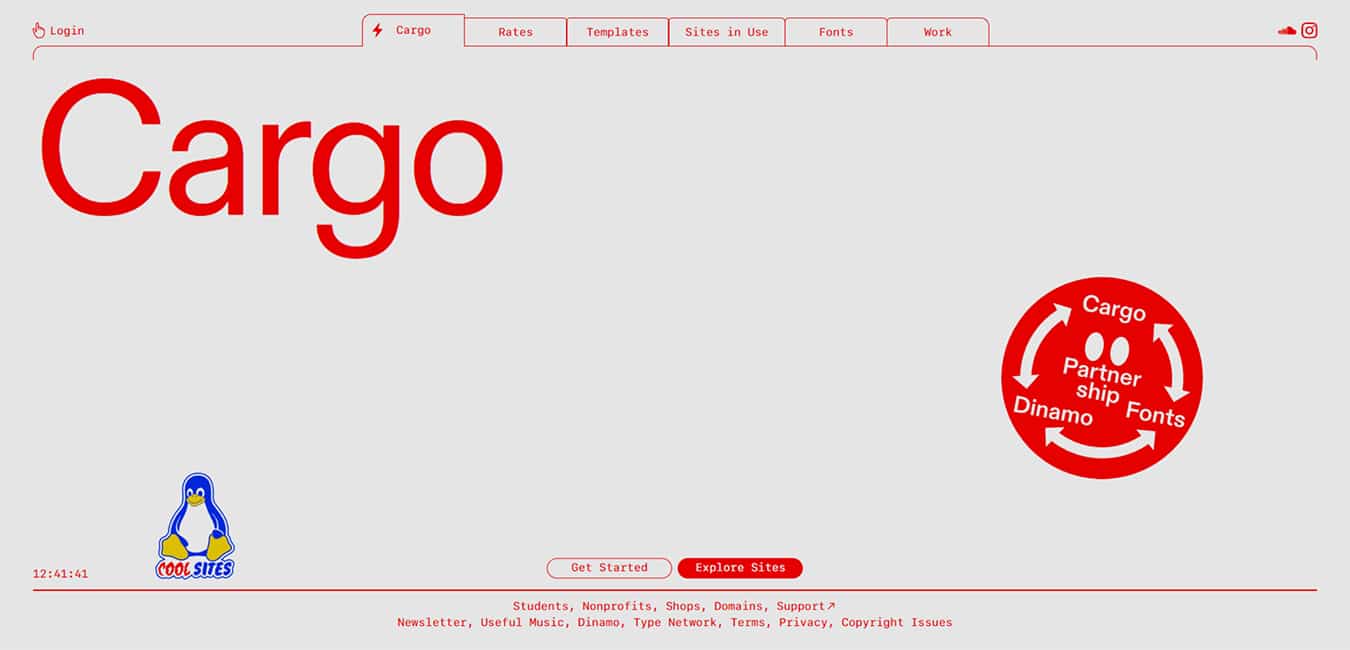
Cargo favors editorial, magazine-like layouts that make work stand out. It offers bold templates, flexible grids, and built-in support for video and other media. Advanced users can add custom CSS.
Pricing starts around $13 and goes to $28 per month. Best for architects who want a distinctive, editorial presentation and for professionals seeking guidance on how to build a legal portfolio.
10. Site123
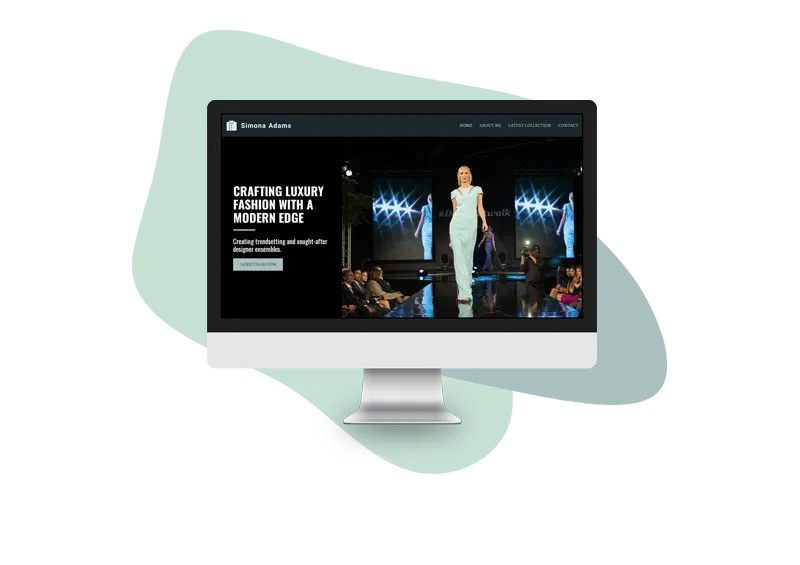
SITE123 is a no-frills website builder that helps you create a portfolio fast. It offers one layout made for architectural projects plus many photography and creative templates that you can adjust to show plans, renders, and project photos.
The editor is point-and-click, so you do not need coding skills. A basic site can be ready in about an hour. There is a free option to try, and paid tiers range from $12 to $24 per month. The platform also supports multiple languages, which makes it easier to reach clients in different countries.
11. Archifolio
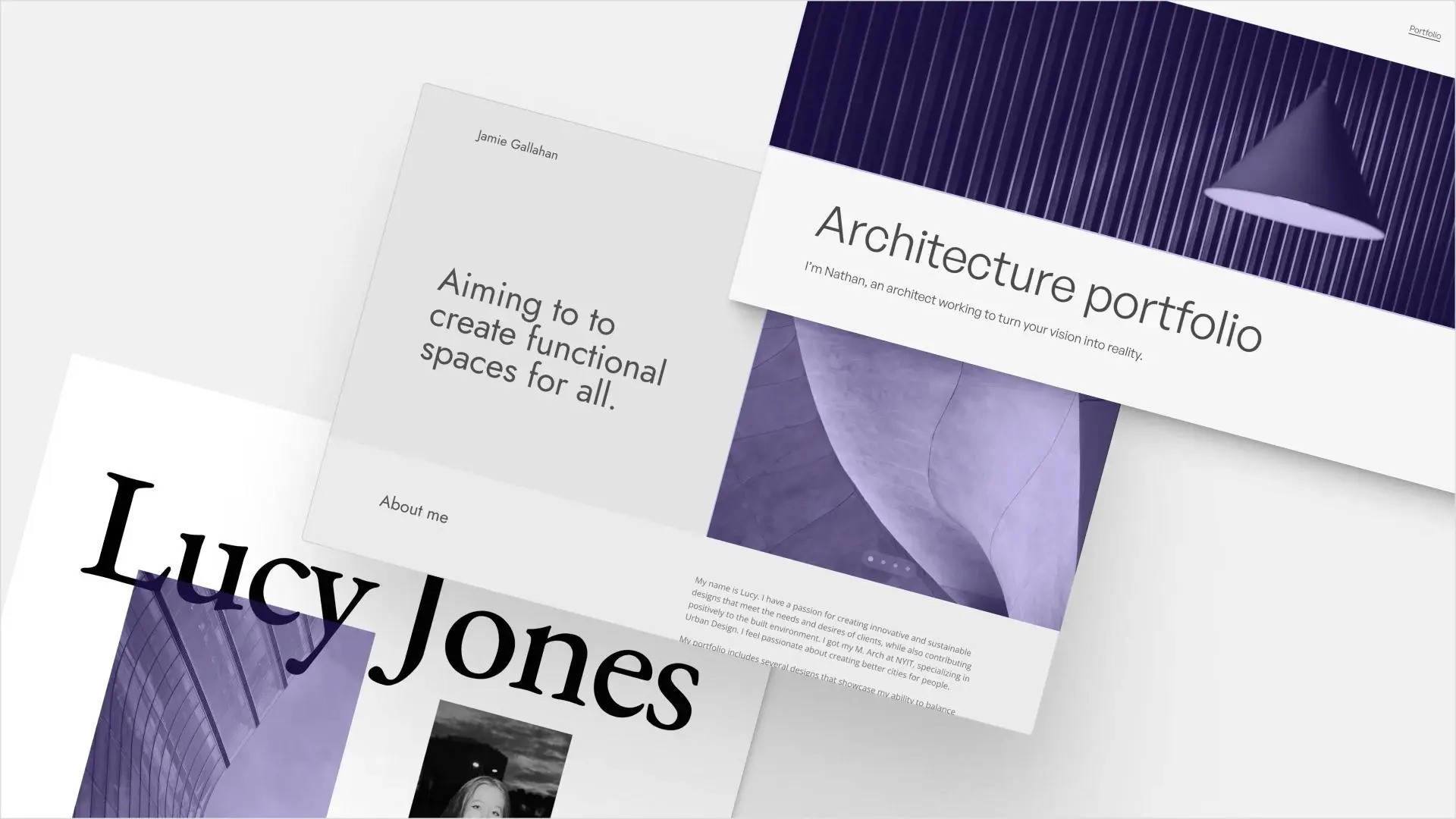
Archifolio is built just for architecture portfolios. It includes templates and tools for presenting plan drawings, 3D images, and construction documents so work looks professional and easy to browse. Pricing is typically between $8 and $15 per month.
12. Archiskills

Archiskills combines portfolio hosting with a job board for architecture positions. You can publish your work and search or apply for roles from the same account. A free basic plan is available.
While paid upgrades add perks like featured placements and richer portfolio pages. If you want, I can make a short comparison or turn this into a one-page summary for your website.
13. Archinect

Archinect lets you host a portfolio inside a large community for architects. It connects designers with firms, schools and potential collaborators around the world. This is a good choice if you want both a gallery and a place to meet other professionals. Cost, free for basic portfolios.
14. Portfolio Box

Portfolio Box offers clean, minimalist templates made for design work. The editor looks simple at first but includes strong customization tools when you need them. It is well suited to people who want a polished, restrained look. Price is $7 to $32 per month.
15. SmugMug
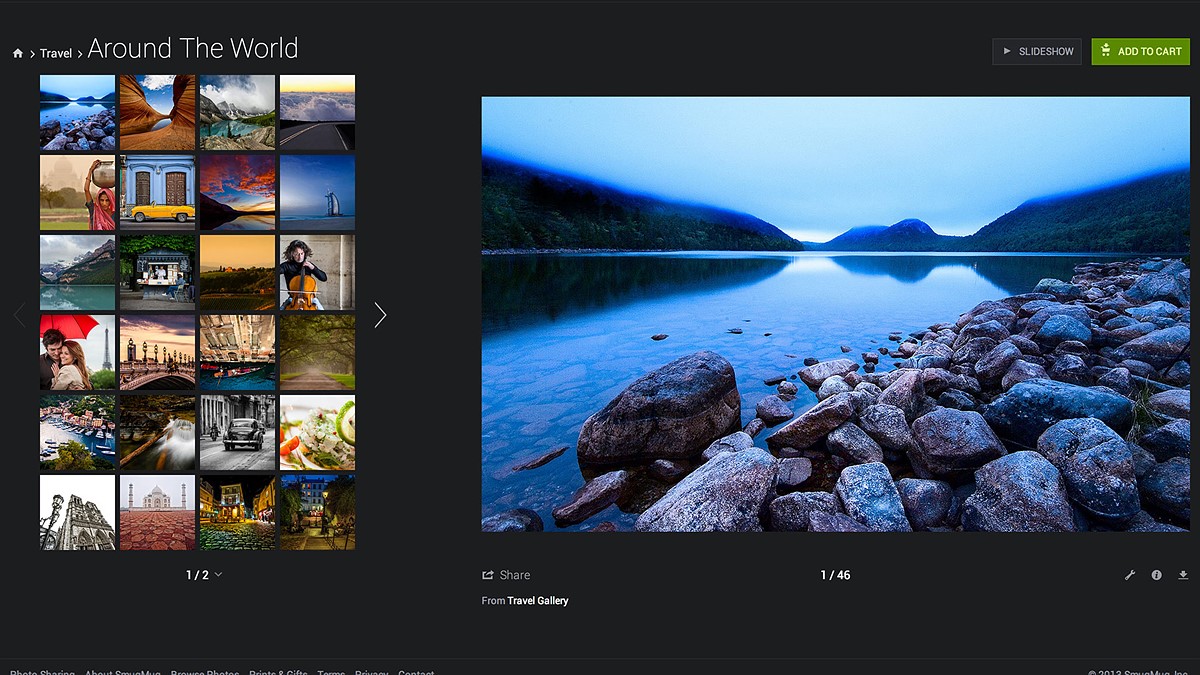
SmugMug focuses on photo presentation and allows unlimited image uploads, so it works well for visually driven project galleries. It helps keep images organized and displays them in high quality. Pric is $9 to $42 per month.
16. Dribbble
Dribbble is a community for people who design websites, apps, illustrations and other visual work. Creators post small images of a single project to show style and skill. Other members can leave comments and companies often spot talent there.
Use it to share new ideas, get honest feedback and attract clients or job offers. Keep posts sharp and clear, show a few close-up details and link to a full portfolio or contact page. Pro subscription costs $5 per month.
17. Coroflot
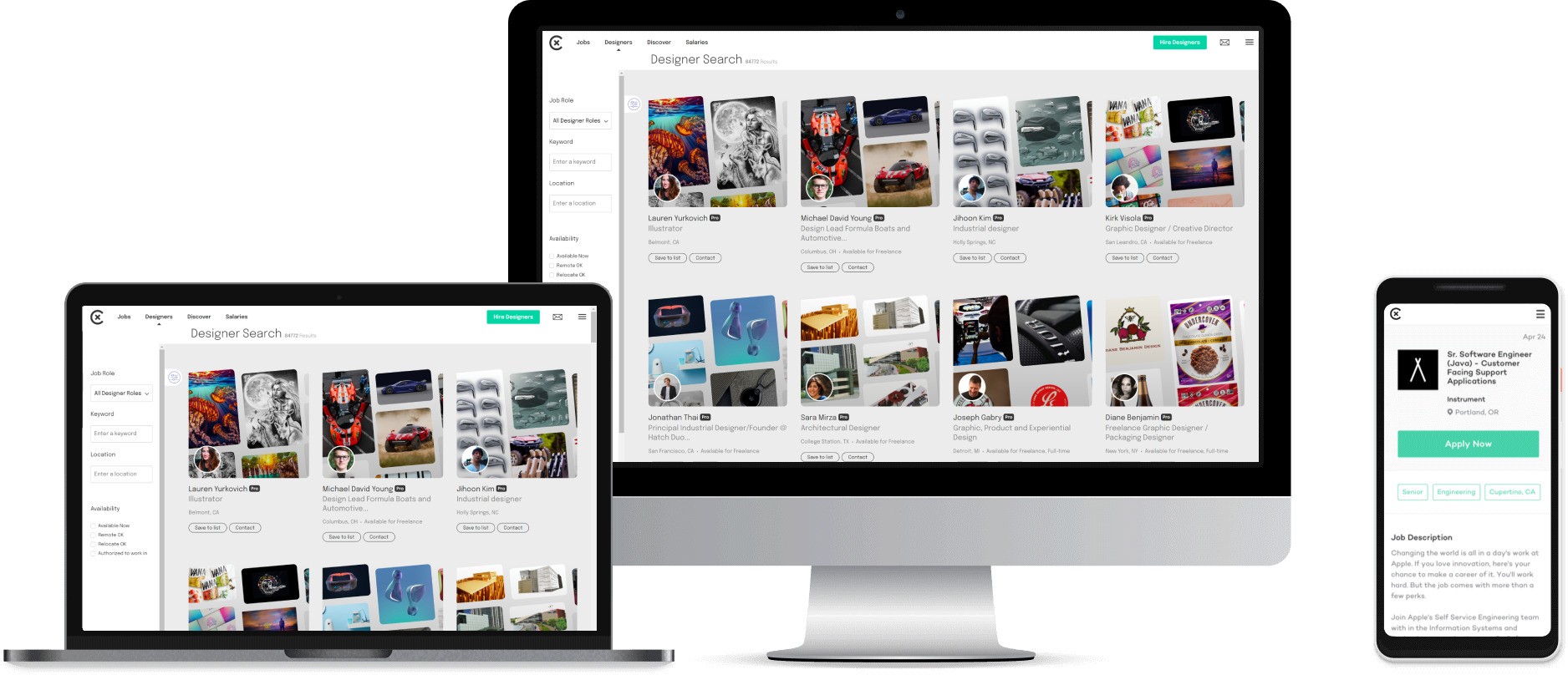
Coroflot focuses on hosting full portfolios and connecting designers with employers. Recruiters and hiring managers use the site to find candidates, so having a complete, well-organized profile helps you get noticed.
Add clear titles, short descriptions of each project, and up-to-date contact details to make it easier for recruiters to reach you. Cost is portfolio hosting is free.
18. Carbonmade

Carbonmade makes building an online portfolio quick and simple, with no coding needed. It is aimed at creatives who want to put their best work online fast and keep the process low-stress.
The platform offers easy templates and straightforward upload tools so you can focus on the work, not technical setup. Use short project summaries and strong images to make pages load quickly and read easily. Cost is free basic account, pro subscription costs $12 per month.
19. Crevado
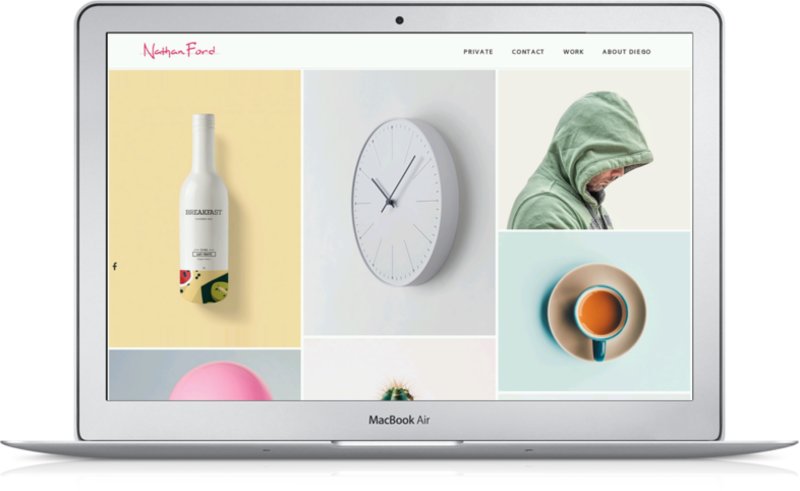
Crevado has neat, professional website templates made for architecture work. You can change page layouts, fonts and galleries by simple controls so the site matches your style.
It shows high-resolution photos and drawings clearly and keeps pages easy to use on phones and tablets. There is a free basic option, and paid Pro subscriptions run from $9 to $30 per month.
20. Dunked

Dunked puts large photos and renderings front and center so your visuals get all the attention. Setting up galleries and ordering projects is quick, and the clean pages avoid clutter that could distract viewers.
The service is geared toward image-heavy portfolios and is easy to keep fast and simple. Monthly subscriptions fall between $10 and $20.
21.Weebly

Weebly is known for online stores but works very well for architecture portfolios. It is a simple editor where you can add project photos, descriptions, and a small shop for prints or design items.
It fits architects who offer consulting services or sell physical or digital products. There is a free plan for basic pages. Paid plans start around $6 and go up to about $26 per month, adding features like a custom domain and e-commerce tools.
22. Jimdo

Jimdo builds a first site layout after you answer a few short questions, then lets you change colors, fonts and page order to match your style.
It is quick to set up and useful for showing completed projects, client feedback, and contact details. A free tier is available for simple sites. Paid tiers range roughly from $9 to $39 per month and include extra storage and selling features.
23. GoDaddy Website Builder

GoDaddy offers ready-made templates and bundles domain registration, hosting, and business email in one place. It makes launching a site fast and keeps technical setup minimal, which helps if you prefer a straightforward process.
Plans typically cost between $10 and $25 per month, depending on add-ons like appointment booking or marketing tools.
24. Zyro (Now Hostinger Website Builder)

Zyro provides AI-powered design tools and ready-made templates made for image-led sites. It is a low-cost option for architects who need an attractive online gallery without extra fuss. Price range is $3 to $10 per month.
25. Strikingly

Strikingly specializes in single-page websites that present work in a tidy, easy-to-read format. It’s fast to set up, so you can share a focused showcase of projects with minimal effort. There is a free basic plan and paid plans from $8 to $16 each month.
26. FolioLink
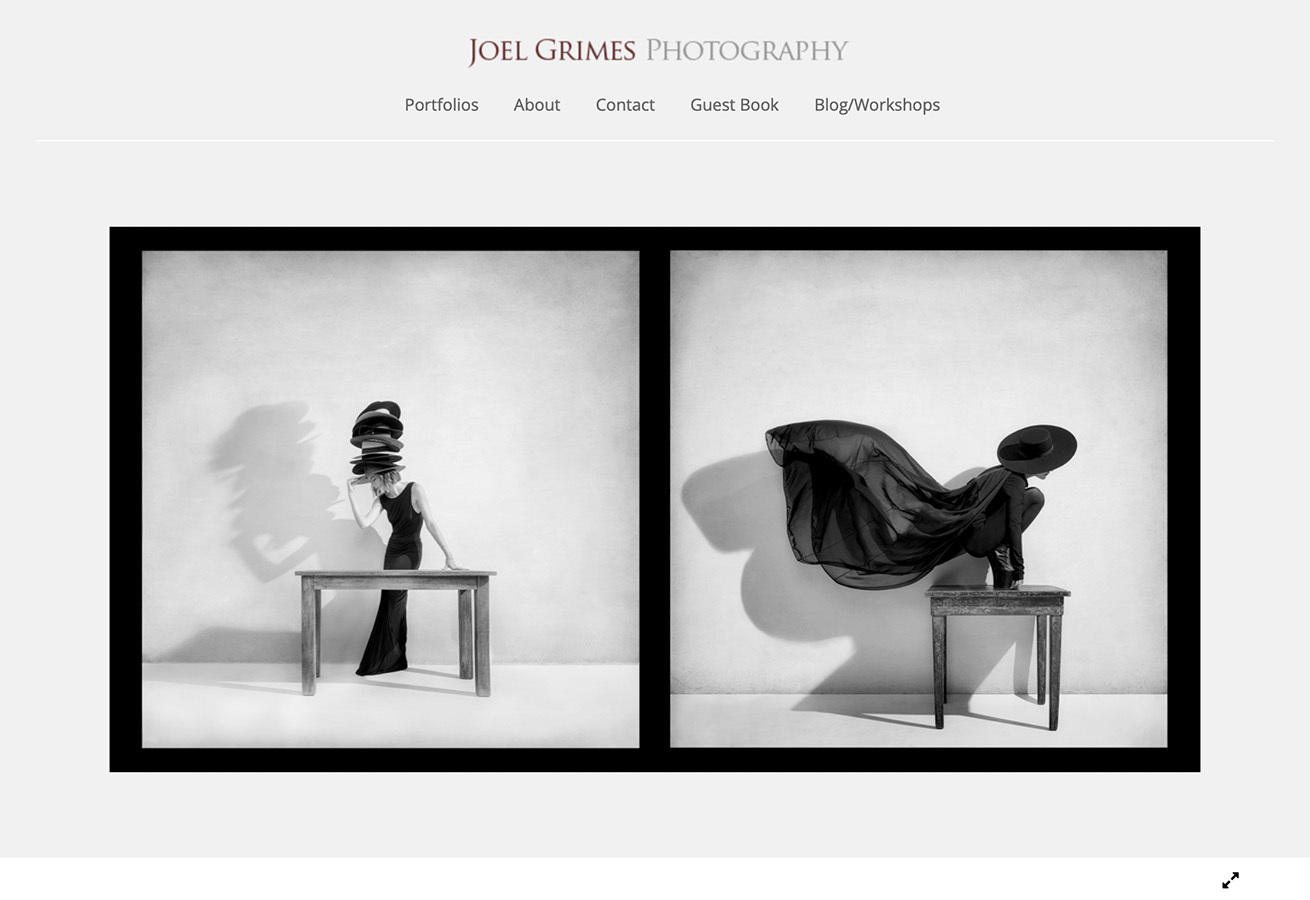
FolioLink is built for creative users and students. It hosts your work, generates PDF versions of your pages, and helps track applications to schools or jobs, which is useful when you apply to several places. Plans run $7 to $12 monthly.
27. Fabrik
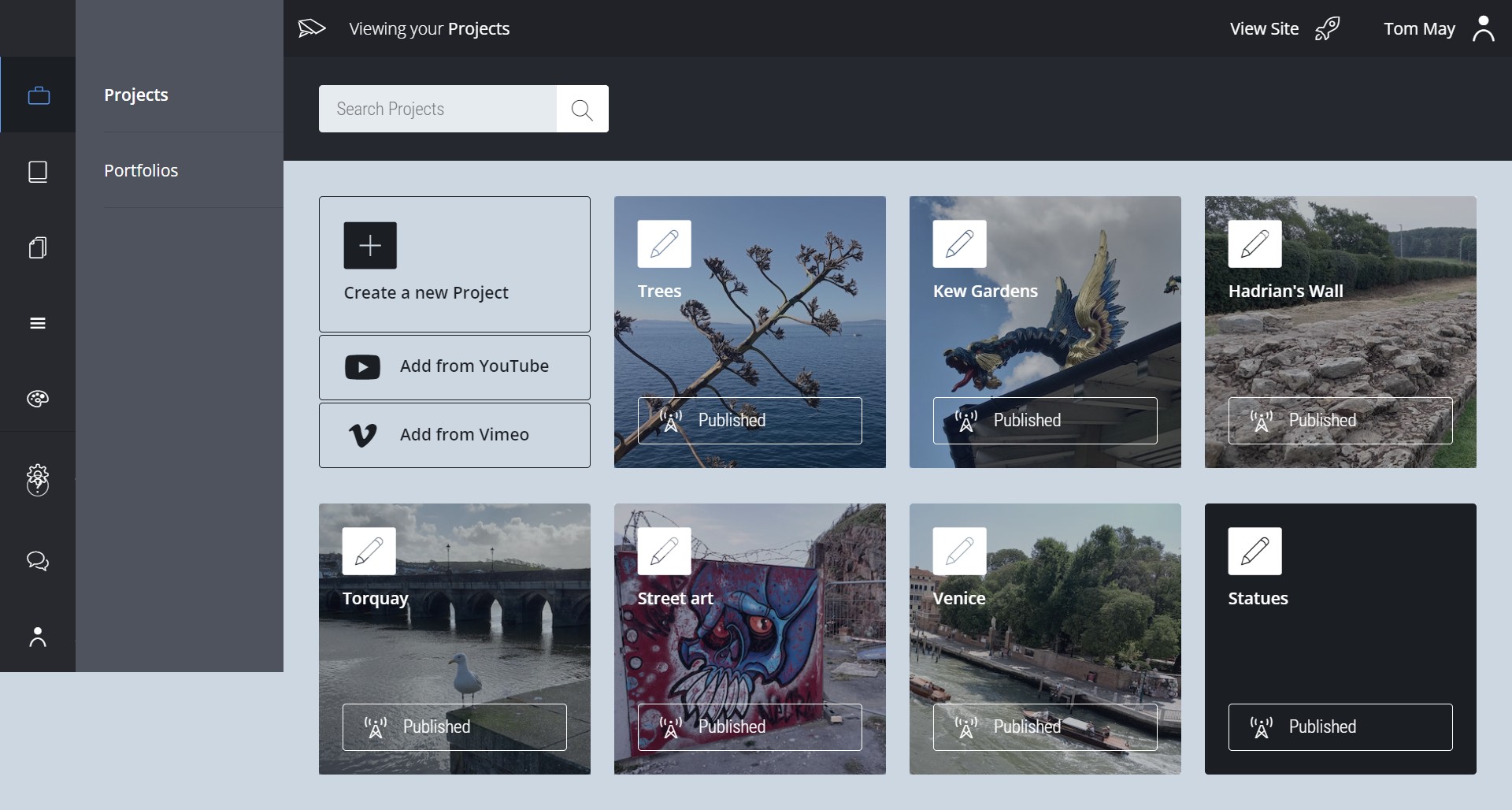
Fabrik gives creative professionals ready-made templates that look like work from a design studio. The layouts are clean and the text and images feel balanced, so architectural collections read clearly and look polished. Plans start at $9 a month and go up to $25 a month.
28. PortfolioBox
PortfolioBox keeps the look minimal while hiding powerful controls beneath the surface. The simple editor makes it easy to arrange photos, drawings and plans without extra clutter, and you can change layouts, fonts and colors to fit your taste. Subscriptions run from $7 to $32 per month.
29. Semplice
Semplice is a WordPress plugin that adds focused tools for showing projects and image galleries. It gives the control of WordPress plus features made for creative sites, so you can build custom project pages and case presentations. Pricing is billed yearly, from $99 up to $249.
30. Krop
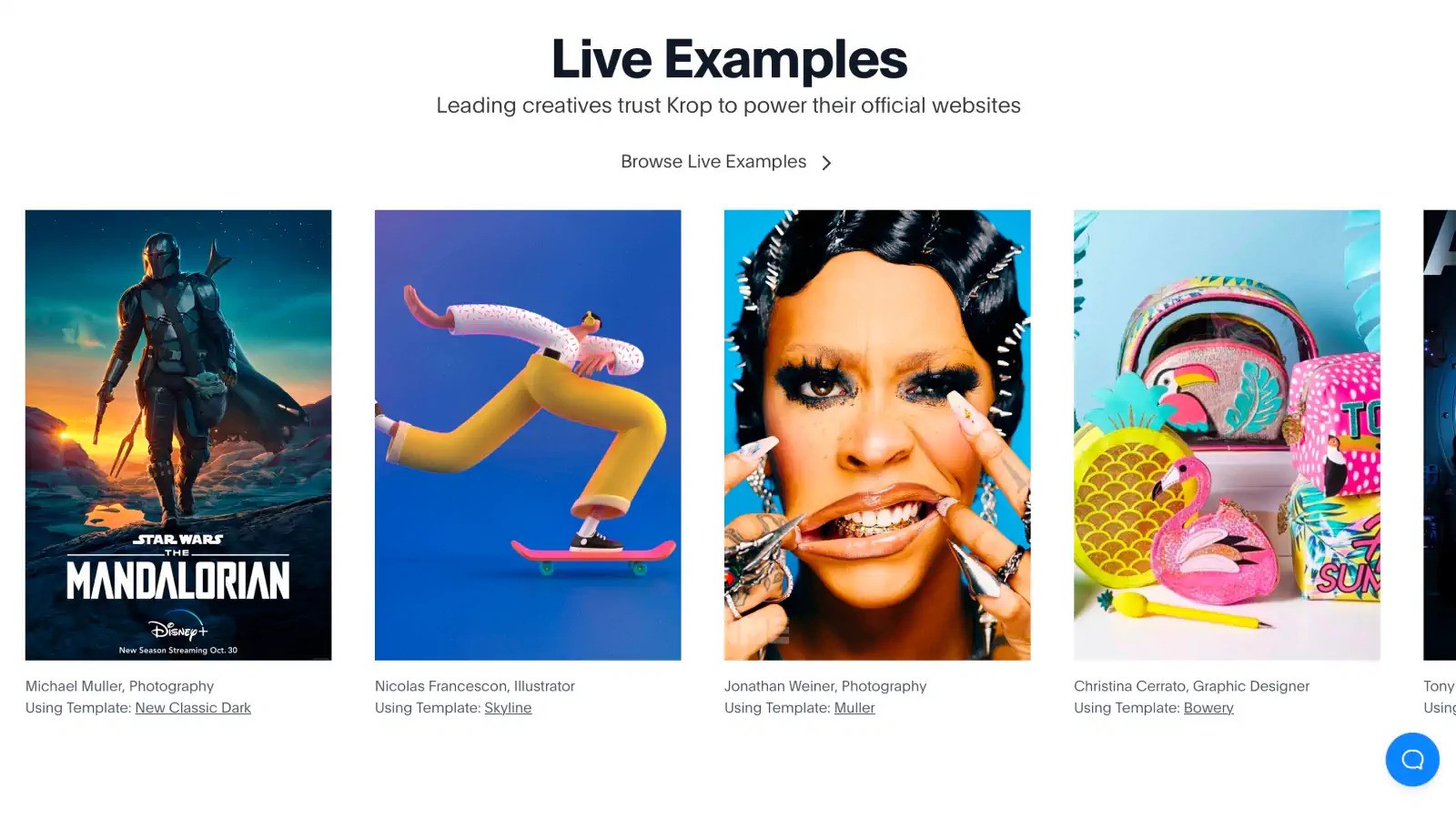
Krop is a simple service that combines an online portfolio with a creative job board. Architects can upload project images, write short project descriptions, and let potential employers contact them directly.
The site works well for visual work because it keeps layouts clean and puts your work first. Krop also lists design jobs chosen for creative fields, so you can see opportunities alongside your portfolio. You can create a free portfolio and the job board is included.
31. Notion
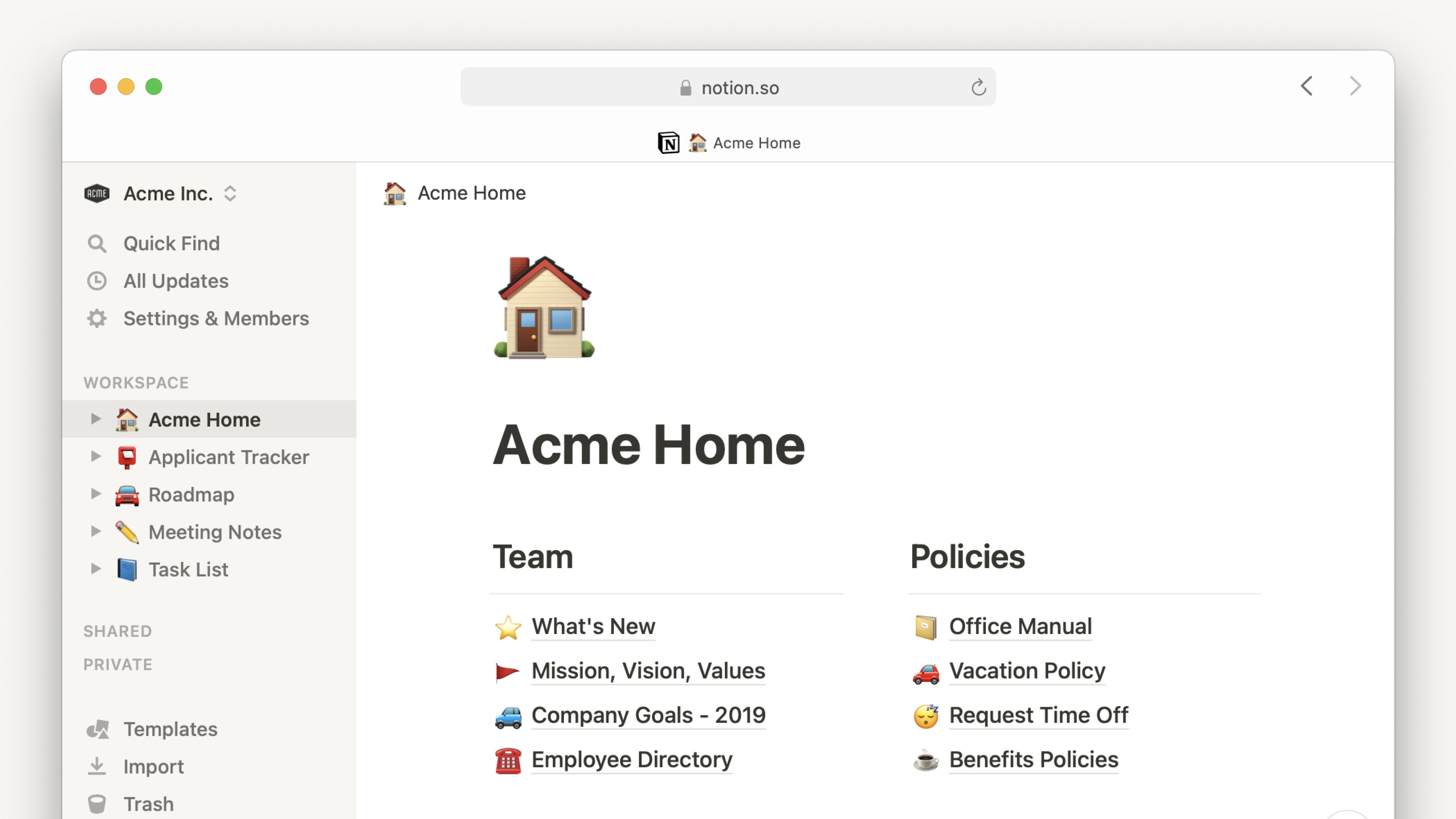
Notion is a flexible page and database tool that lets you build a tailored online showcase. You can mix text, images, links and files in any order and create galleries or project pages that match your style.
It takes a bit more setup than ready-made templates, but that extra work gives you full control over how your work is presented. Notion is also useful for shared editing and keeping project notes together. A free basic plan is available and upgraded plans cost about $8 to $15 per month.
32. Readymag
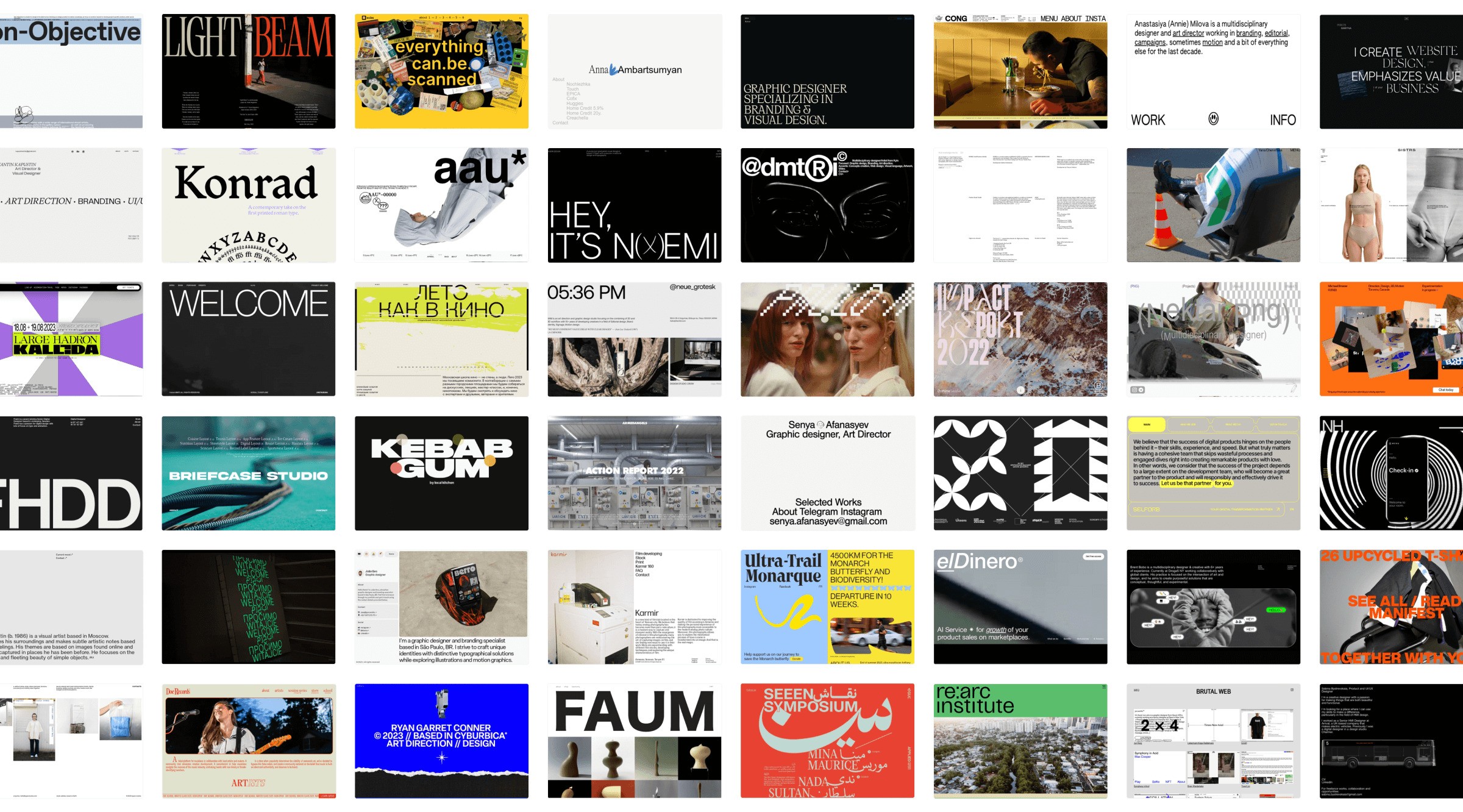
Readymag lets you make magazine-style web presentations with smooth layouts and interactive elements. It is great for storytelling and for portfolios that benefit from motion, custom typography, and unusual page flows.
The editor gives you tools for detailed visual design, but it asks for more time to learn the controls. This platform is a strong choice when you want a polished, editorial feel for your work. There is a free basic option and paid plans range from $16 to $48 per month.
33. Mobirise
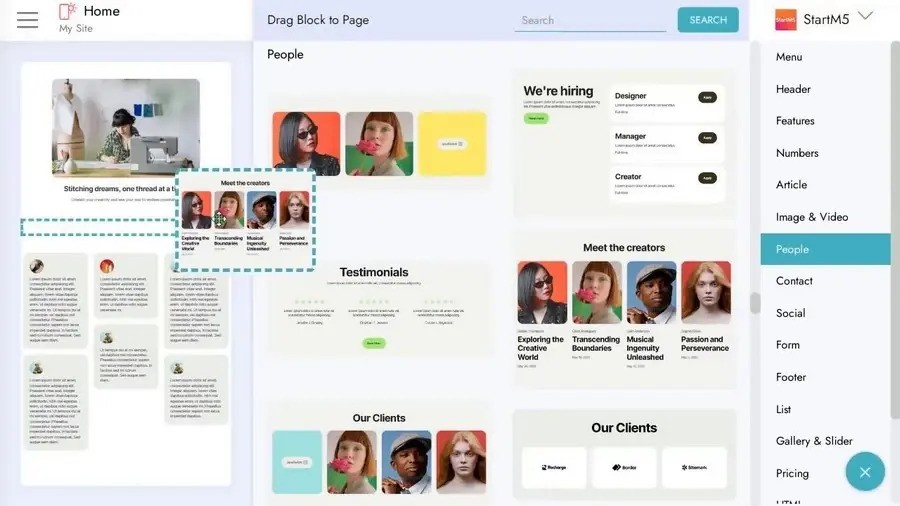
Mobirise is a desktop website builder that gives you complete control over your site. You create and edit pages on your computer, then upload the finished files to any hosting service you choose.
There are no ongoing subscription fees for the basic version, and you can buy extra premium themes if you want more design options. If you need to review the site with a client, use remote site inspection chat tipsto guide your screen-sharing, camera setup and pacing so the review goes smoothly.
34. Unicorn Platform

Unicorn Platform is aimed at startups but also fits well for architecture firms. It includes sleek, up-to-date templates and simple controls for changing layouts, text, and images so you can get a professional-looking site quickly. Monthly subscriptions start at $8 and go up to $18.
35. Carrd
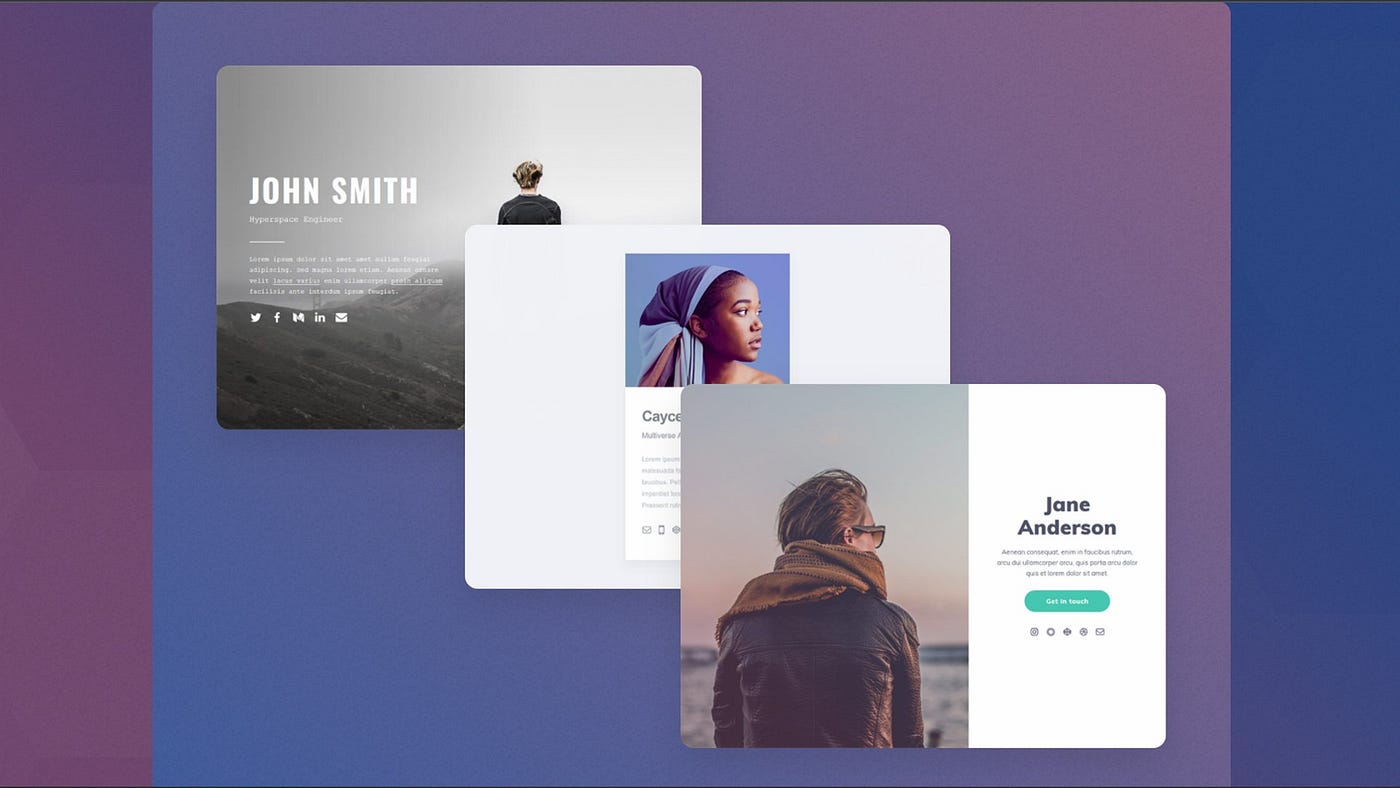
Carrd focuses on single-page websites that work well on phones and computers. It is a great choice for a pared-down portfolio that highlights a few key projects and contact information. A free version is available and Pro plans cost between $9 and $49 per year.
Choosing The Right Architecture Portfolio Builder
- Think about your comfort with technology - Pick a site builder that fits how comfortable you are with tech. Simple drag-and-drop tools like Wix and Squarespace let you build a site without any coding.
- Match tools to the work you do - Choose a service that supports the type of portfolio you need. Students and recent graduates often need low-cost options that show images clearly. Format and Pixpa do this well.
- Budget matters - You can start for free on sites like Behance, Archinect, and basic Wix plans. To use a custom domain or unlock advanced functions you will usually pay around ten to thirty dollars each month.
- Make sure your work looks good on phones - Most visitors will open your portfolio on a phone. All the major builders offer layouts that adjust to small screens, but some templates look and work better than others.
- Help people find your work - Visibility is as important as the look of your portfolio. Wix, WordPress and Squarespace include strong SEO tools to help your pages show up in search results.
FAQs About Architecture Portfolio Builder Websites
Which Architecture Portfolio Builder Is Best For Beginners?
Wix is the easiest for new users because of its drag-and-drop editor and many architecture templates.
How Do I Showcase 3D Models And Renderings Effectively?
Use high-resolution images and clear project descriptions. Embed interactive viewers like Sketchfab so visitors can rotate models.
Should I Include Works-in-progress Or Only Completed Projects?
Show a few works-in-progress to explain your design steps, especially if you are a student or new professional. Still, give priority to finished projects that look polished.
Do I Need Separate Portfolios For Different Audiences?
Make versions that target specific clients or goals, like one for residential work and one for commercial projects.
How Important Is Domain Customization?
A custom domain like yourname.com makes you look more professional and is easier to remember.
Can I Integrate My Portfolio With Social Media And Behance?
Most portfolio platforms let you link to Instagram, LinkedIn, and other channels. Adobe Portfolio syncs directly with Behance for extra exposure.
Final Thoughts
The portfolio websites described here offer practical options for architects with different goals, skill levels and budgets. It is also important to remember that the platform itself is only a tool. The quality of your work and the clarity of your presentation matter far more than the website you pick.
Your skill as an architect deserves to be shown clearly and these platforms give you the structure to do that well. Once you are ready to begin, pick a platform you like, sign up for its free trial and start building a portfolio that shows your growth and your creative direction.
Also Check Out: Connecticut Agencies For Portfolio Design